Compare the 10 best digital business card platforms of 2026. Find top tools for NFC, QR codes, and CRM integration to upgrade your professional networking.
Table of Contents
Paper business cards get lost, damaged, or outdated within weeks of printing. Digital business cards solve these problems by offering instant updates, contactless sharing, and real-time analytics that help professionals track their networking success. The global market for digital business cards continues to grow as more professionals recognize the need for modern networking tools.
This comprehensive review evaluates 10 leading digital business card platforms based on design capabilities, sharing methods, analytics features, CRM integrations, and pricing structures. Each provider was tested and analyzed to help you find the right solution for your networking needs.
Why digital business cards are essential for modern networking
Digital business cards transform how professionals share contact information and manage connections. These platforms offer instant updates that ensure your contacts always have current information, eliminating the frustration of outdated phone numbers or email addresses.
Analytics features track who views your card and when, helping you follow up with leads at the right time. Sales teams benefit from CRM integrations that automatically capture leads, while remote workers appreciate the ability to network without physical cards.
Event attendees can share contact information through QR codes or NFC technology, making networking faster and more reliable. Environmental benefits matter too, as digital cards eliminate paper waste while reducing printing costs for businesses of all sizes.
10 best digital business card solutions at a glance
Wave Connect
QR Code Chimp
QRD
Digital Business Card
wCard.io
ZUMVU Business Card
Mecard
Sailax Digital Business Card
Kopplcard
Repcard
Our picks for the 10 best digital business card platforms
Company Name | Starting Price | Key Features | Best For | Platform Support |
Wave Connect | Free (PRO at $7/month) | QR codes, Apple/Google Wallet, CRM integration, unlimited contacts | Professionals and teams needing comprehensive contact management | iOS/Android/Web |
QR Code Chimp | $5/month | QR code generation, analytics, custom branding | Businesses focused on QR-based sharing | Web |
QRD | Free (Premium at $6/month) | Dynamic QR codes, analytics, multiple card designs | Freelancers and small businesses | Web |
Digital Business Card | $9.99/month | Custom templates, lead capture, analytics | Corporate professionals | Web/Mobile |
wCard.io | Free (Premium at $4.99/month) | NFC support, contact sharing, analytics | Tech-savvy professionals | iOS/Android/Web |
ZUMVU Business Card | Free (Premium at $9/month) | Social media integration, portfolio showcase | Creatives and entrepreneurs | Web |
Mecard | Free (PRO at $5/month) | Multiple profiles, team management, analytics | Professionals with multiple roles | iOS/Android/Web |
Sailax Digital Business Card | $3/month | Basic sharing, QR codes, contact management | Budget-conscious users | Web |
Kopplcard | $8/month | NFC cards, custom branding, analytics | Premium brand-focused professionals | iOS/Android/Web |
Repcard | $6/month | Lead forms, CRM sync, team features | Sales teams | Web/Mobile |
Wave Connect
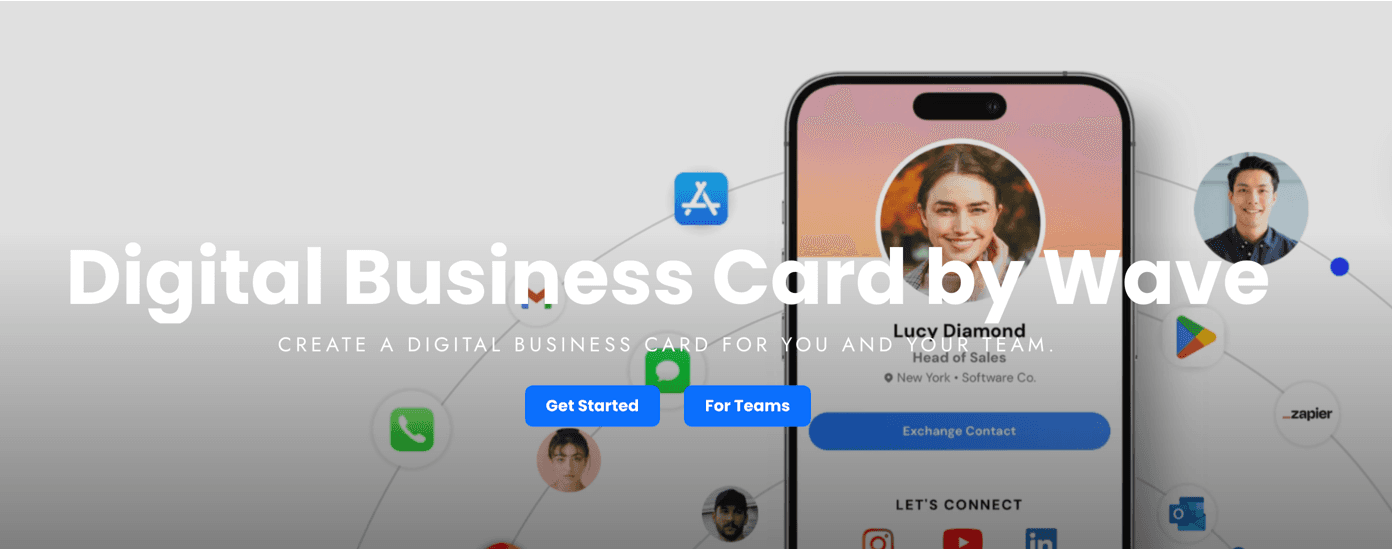
Wave Connect offers a comprehensive digital business card platform that combines ease of use with professional features. The platform allows users to create customizable digital cards that can be shared through QR codes, Apple Wallet, Google Wallet, NFC products, and direct links without requiring recipients to download an app. Wave Connect stands out with its unlimited contact storage, automated follow-up capabilities via email or SMS, and real-time updates that ensure contacts always have current information. The platform integrates with popular CRM systems and provides detailed analytics to track card views and engagement. Team management features make it suitable for both individual professionals and enterprises looking to modernize their networking approach.
Why it's good for digital networking: Wave Connect simplifies the entire networking process from initial contact to follow-up management. The platform's multiple sharing modes adapt to different networking scenarios, whether you need instant contact exchange or lead capture forms.
Compliance & security: Wave Connect maintains SOC 2 Type 2 certification, ensuring enterprise-grade data security and privacy protection for all user information and contacts.
Key features:
Free forever plan with QR code, Apple Wallet, and Google Wallet sharing
Unlimited contact storage with tagging and organization capabilities
Automated follow-up emails and SMS messages to new contacts
CRM integrations with platforms like HubSpot and Salesforce
Integrations: Wave Connect connects with major CRM platforms including HubSpot, Salesforce, and other business tools, allowing automatic lead capture and contact synchronization. The platform also supports email marketing integrations for streamlined follow-up campaigns.
Pricing: Free plan available with core features. PRO plan at $7/month includes CRM integration, analytics, video intro, and advanced sharing modes. Teams plan offers enterprise features like Active Directory and SSO.
Pros | Cons |
Most generous free plan with unlimited contacts | Cannot create multiple business card profiles |
Affordable PRO subscription at $7/month | No payment integration options |
Built-in business card scanner with AI | No link redirect functionality |
SOC 2 Type 2 certified for security | Android widgets not available |
Rated #1 easiest to use on G2 for teams |
QR Code Chimp
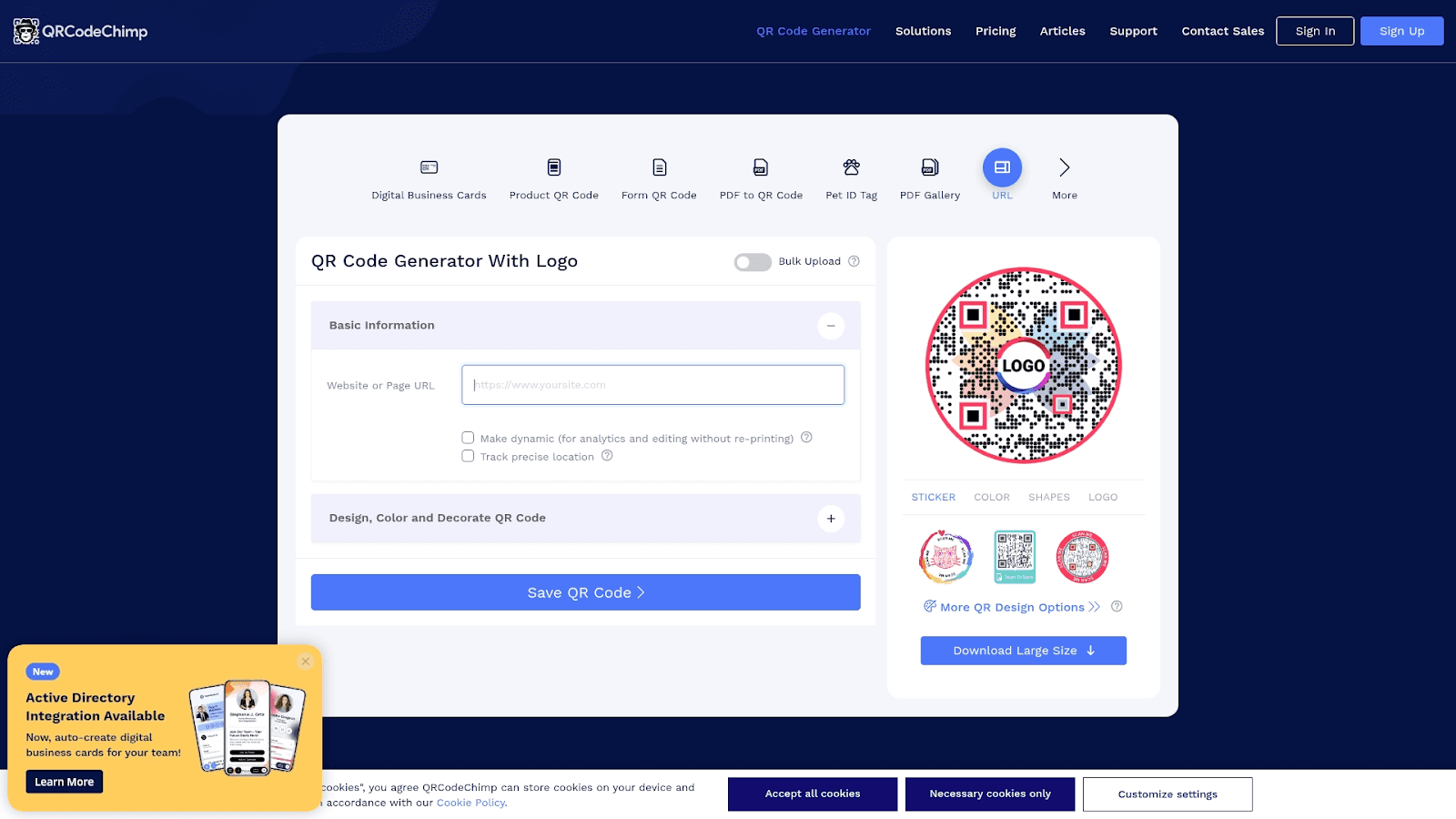
QR Code Chimp specializes in QR code-based digital business cards with extensive customization options. The platform allows users to create dynamic QR codes that can be updated without changing the code itself, making it practical for professionals who frequently update their contact information. QR Code Chimp offers design flexibility with custom colors, logos, and frames to match brand identity. The service includes analytics tracking to monitor scan rates and engagement metrics. Users can create multiple QR codes for different purposes, from business cards to event registrations. The platform supports various QR code types including vCard, URL, and social media profiles.
Why it's good for digital networking: QR Code Chimp excels at creating visually appealing QR codes that encourage scanning and engagement. The dynamic QR code feature means you can update your contact information without reprinting physical materials.
Compliance & security: QR Code Chimp implements standard security protocols for data protection and offers password-protected QR codes for sensitive information sharing.
Key features:
Dynamic QR codes that can be edited after creation
Extensive design customization with brand colors and logos
Analytics dashboard tracking scans by location and device
Bulk QR code generation for teams and events
Integrations: QR Code Chimp integrates with Google Analytics for detailed tracking and supports webhook connections for custom workflows. The platform also offers API access for developers building custom solutions.
Pricing: Starter plan at $5/month includes basic features. Pro plan at $15/month offers advanced analytics and unlimited QR codes. Enterprise plans available for larger organizations.
Pros | Cons |
Excellent QR code customization options | Limited contact management features |
Dynamic codes allow updates without reprinting | No built-in CRM integration |
Detailed analytics and tracking | Requires separate tools for follow-up |
Bulk generation for teams | Higher cost for advanced features |
QRD
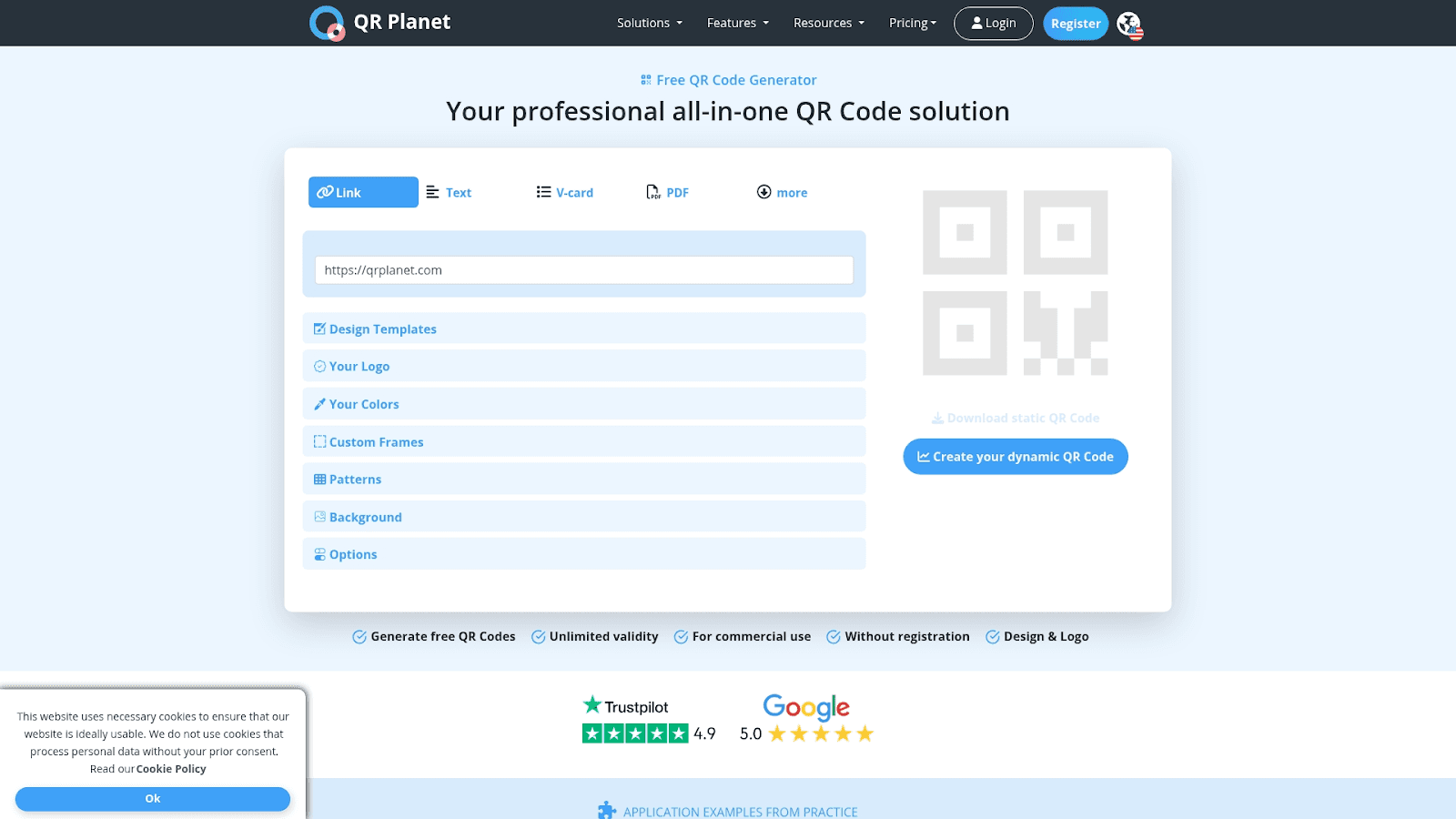
QRD provides a straightforward approach to digital business cards through QR code technology. The platform focuses on simplicity and speed, allowing users to create professional digital cards in minutes. QRD offers multiple card design templates that can be customized with company branding, contact information, and social media links. The service includes basic analytics to track card views and engagement. Users can share their digital cards through QR codes, direct links, or email signatures. QRD supports contact information export in vCard format for easy importing into phone contacts. The platform works across all devices without requiring app downloads.
Why it's good for digital networking: QRD removes complexity from digital business card creation, making it accessible for professionals who want quick setup. The platform's focus on QR codes makes it practical for in-person networking events and conferences.
Compliance & security: QRD maintains standard data protection practices and offers secure hosting for all digital business cards with SSL encryption.
Key features:
Quick card creation with pre-designed templates
QR code generation for instant sharing
Basic analytics tracking views and clicks
vCard export for contact list integration
Integrations: QRD offers limited integrations but supports vCard format export compatible with most contact management systems. The platform provides embed codes for website integration.
Pricing: Free plan available with basic features. Premium plan at $6/month includes custom branding, analytics, and unlimited cards.
Pros | Cons |
Simple and fast setup process | Limited customization options |
Affordable premium pricing | No CRM integration |
Works without app downloads | Basic analytics only |
vCard export functionality | Fewer features than competitors |
Digital Business Card
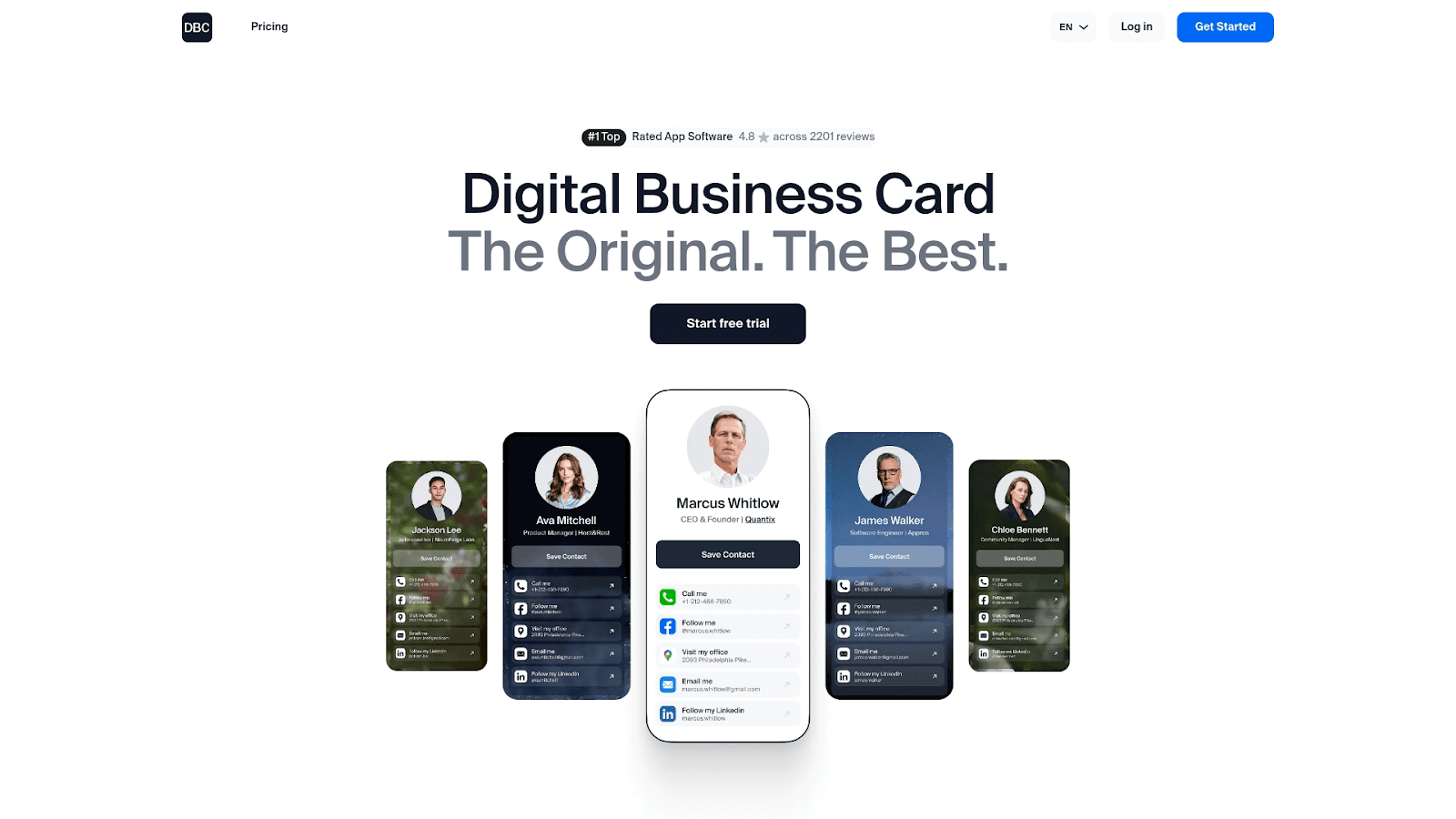
Digital Business Card delivers a professional platform designed for corporate environments and established businesses. The service offers sophisticated template designs that reflect professional branding standards. Digital Business Card includes lead capture forms that collect visitor information automatically when someone views your card. The platform provides detailed analytics showing who viewed your card, when they viewed it, and which sections received the most attention. Users can add video introductions, portfolio galleries, and testimonials to their cards. The service supports team management features allowing administrators to create and manage cards for entire departments. Digital Business Card integrates with email marketing platforms for automated follow-up campaigns.
Why it's good for digital networking: Digital Business Card caters to professionals who need polished, corporate-quality cards with advanced lead capture. The platform's analytics help users prioritize follow-up based on engagement levels.
Compliance & security: Digital Business Card implements enterprise security standards with encrypted data storage and regular security audits for business accounts.
Key features:
Professional template library with corporate designs
Lead capture forms with custom fields
Video introduction capabilities
Team management and bulk card creation
Integrations: Digital Business Card connects with Mailchimp, Constant Contact, and other email marketing platforms. The service also offers Zapier integration for connecting with hundreds of business applications.
Pricing: Individual plan at $9.99/month includes core features. Business plan at $19.99/month adds team management. Enterprise pricing available for larger organizations.
Pros | Cons |
Professional corporate templates | Higher price point than alternatives |
Strong lead capture features | Steeper learning curve |
Comprehensive analytics | Limited free plan features |
Team management capabilities | Requires paid plan for best features |
wCard.io
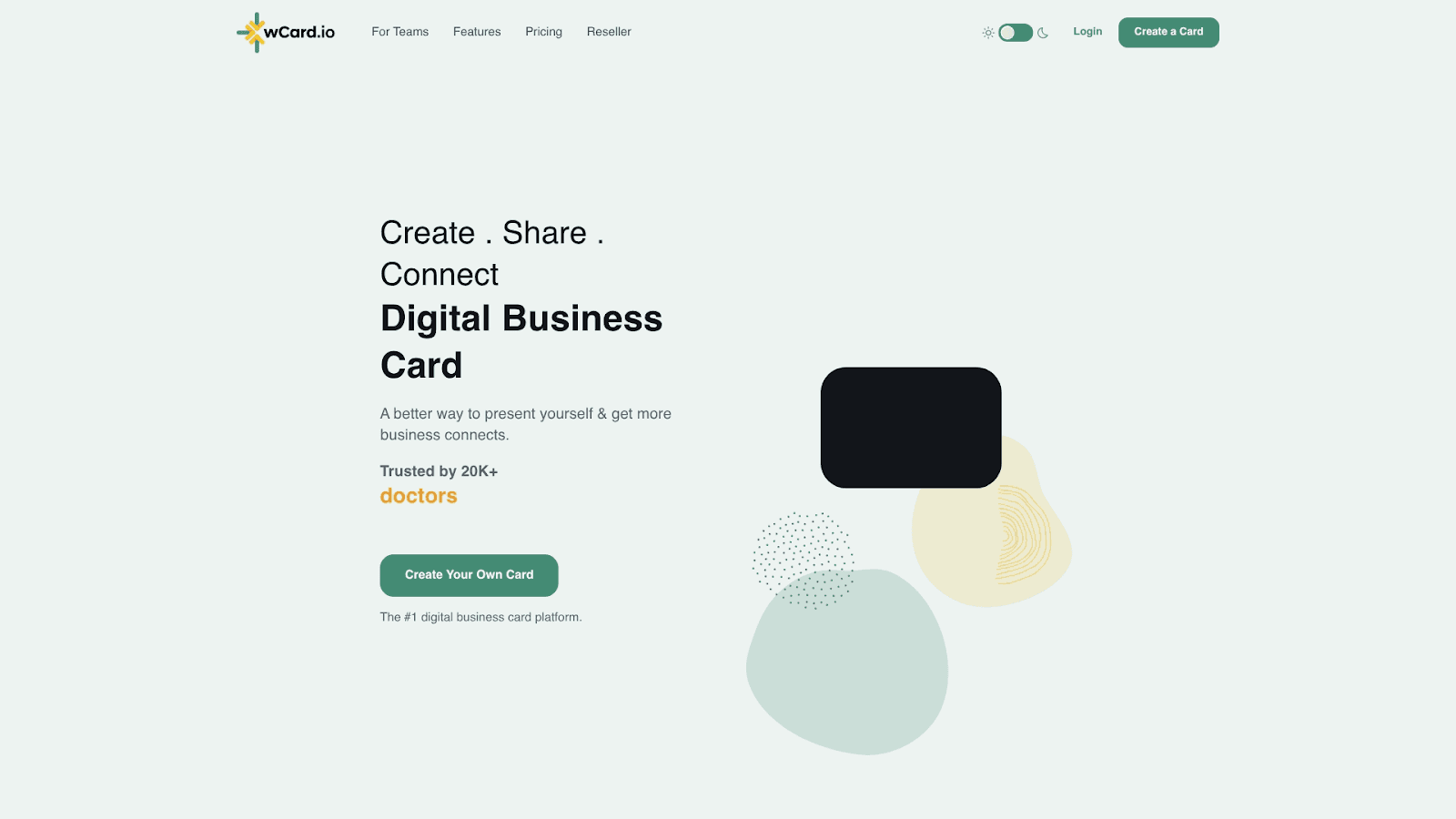
wCard.io combines digital business cards with NFC technology for tap-to-share functionality. The platform supports both QR code and NFC sharing methods, giving users flexibility in how they exchange contact information. wCard.io offers customizable card designs with options for adding photos, videos, and social media links. The service includes contact management features that organize connections and track interaction history. Users can create multiple card variations for different professional contexts or roles. wCard.io provides analytics showing card performance and engagement metrics. The platform works across iOS, Android, and web browsers without requiring recipients to install apps.
Why it's good for digital networking: wCard.io appeals to tech-forward professionals who want modern sharing methods like NFC tapping. The platform's support for multiple card profiles helps professionals who work in different capacities.
Compliance & security: wCard.io uses secure cloud storage with encryption for all user data and contact information, meeting standard privacy requirements.
Key features:
NFC technology support for tap-to-share
Multiple card profiles for different roles
Contact management with interaction tracking
Cross-platform compatibility
Integrations: wCard.io offers basic integrations with contact management systems and supports vCard export. The platform provides API access for custom integrations.
Pricing: Free plan includes basic features. Premium plan at $4.99/month adds NFC support, analytics, and unlimited cards.
Pros | Cons |
NFC tap-to-share functionality | NFC requires physical cards |
Multiple profile support | Limited CRM integrations |
Affordable premium pricing | Basic analytics compared to competitors |
Cross-platform compatibility | Fewer team features |
ZUMVU Business Card
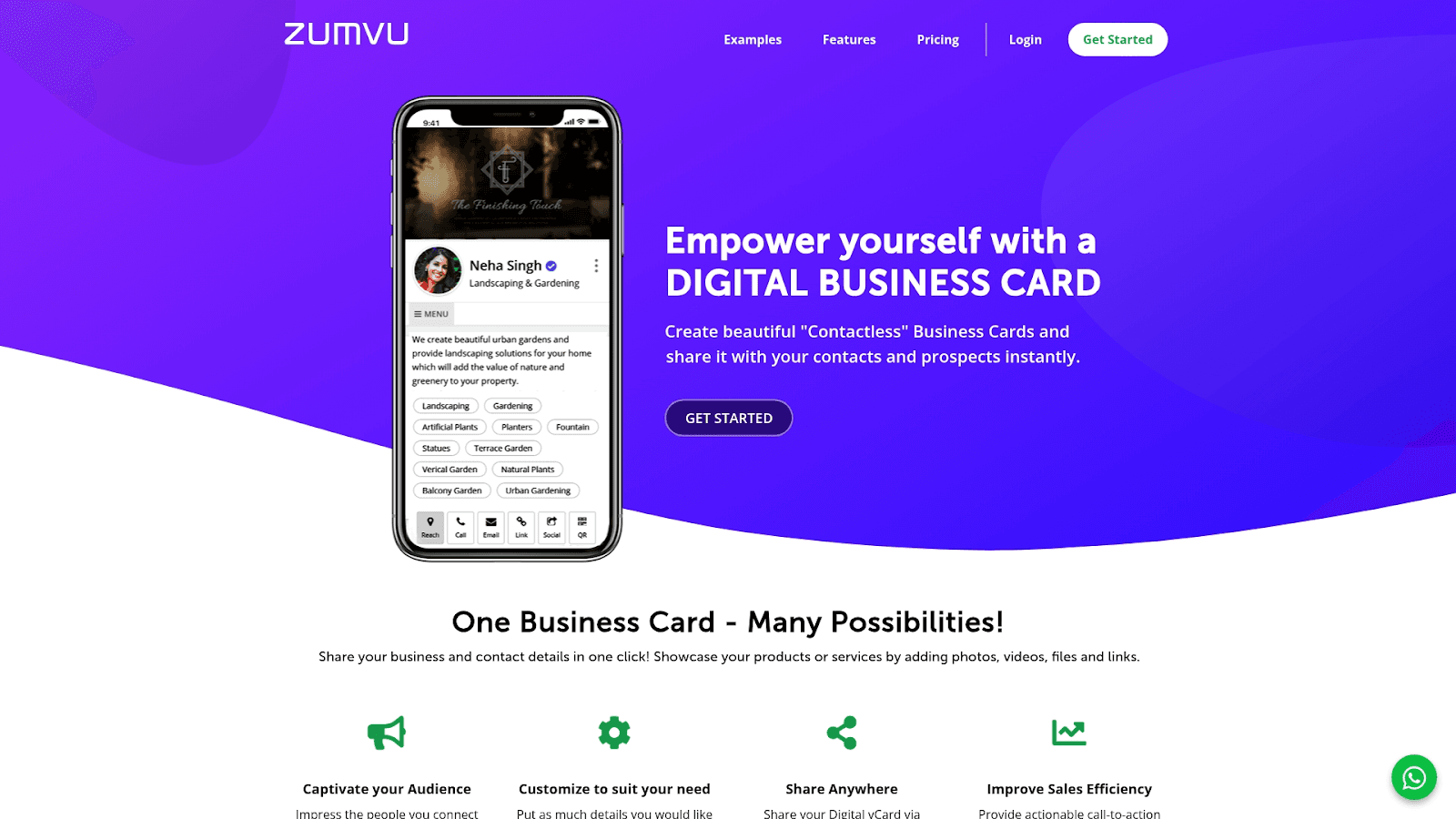
ZUMVU Business Card focuses on social media integration and portfolio showcasing for creative professionals and entrepreneurs. The platform allows users to display their work, achievements, and social media presence in one unified digital card. ZUMVU offers extensive customization options for colors, layouts, and content sections. The service includes social media feed integration that automatically updates with your latest posts. Users can add image galleries, video portfolios, and client testimonials to their cards. ZUMVU provides basic analytics tracking views and clicks. The platform supports QR code sharing and direct link distribution.
Why it's good for digital networking: ZUMVU serves creatives and entrepreneurs who need to showcase their work alongside contact information. The social media integration keeps cards current with minimal manual updates.
Compliance & security: ZUMVU implements standard security measures for user data protection and offers privacy controls for sensitive information.
Key features:
Social media feed integration
Portfolio and gallery displays
Customizable design templates
QR code and link sharing
Integrations: ZUMVU connects with major social media platforms including LinkedIn, Instagram, Facebook, and Twitter. The service offers limited business tool integrations.
Pricing: Free plan available with basic features. Premium plan at $9/month includes advanced customization and analytics.
Pros | Cons |
Excellent for portfolio showcasing | Limited business features |
Social media auto-updates | Higher premium pricing |
Creative design options | No CRM integration |
Good for visual professionals | Basic contact management |
Mecard
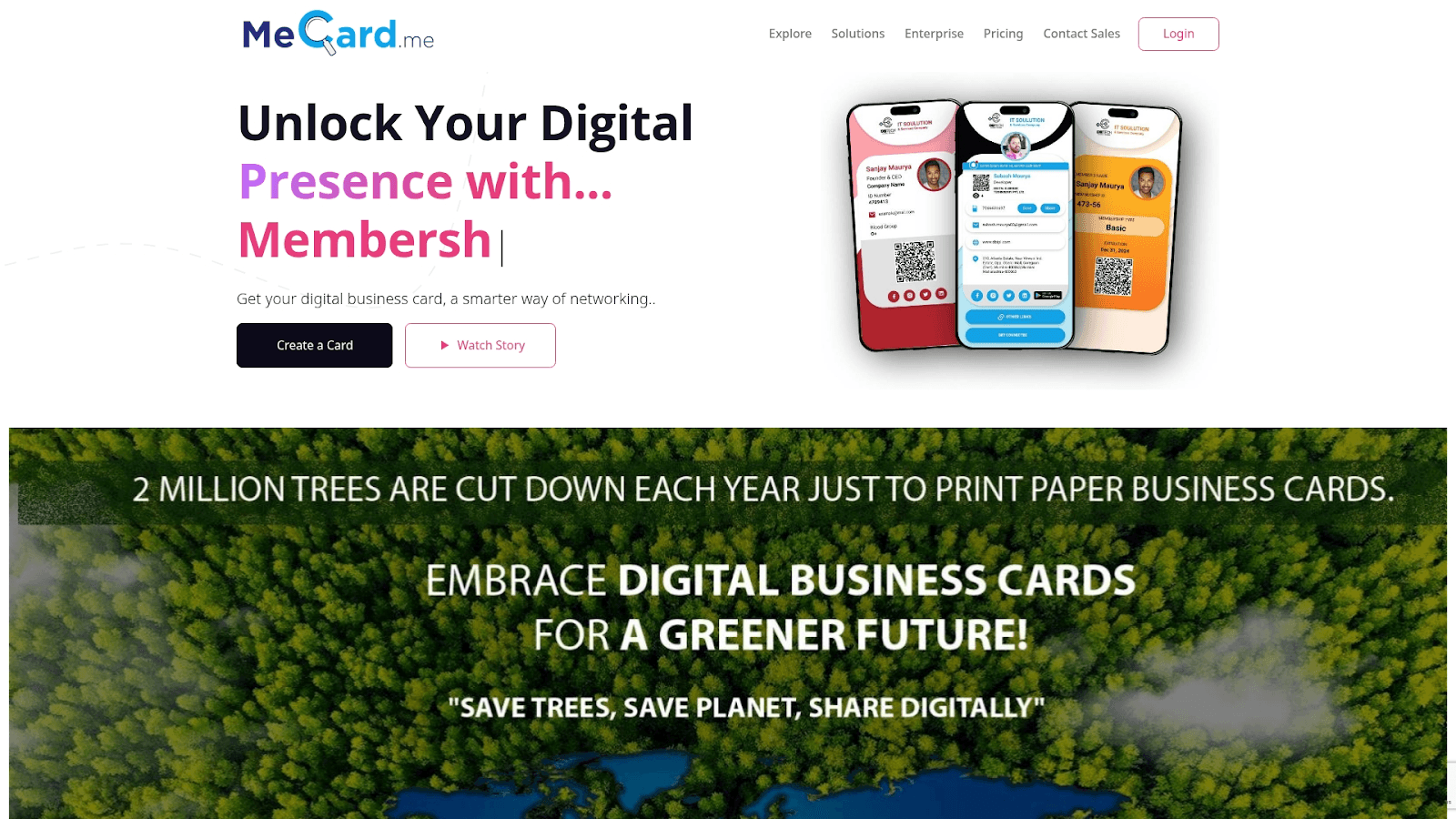
Mecard provides digital business card solutions with emphasis on multiple profile management and team collaboration. The platform allows users to create separate cards for different professional roles or business ventures. Mecard offers clean, modern design templates that can be customized with brand colors and logos. The service includes team management features for businesses that need to create and manage cards for multiple employees. Users can track analytics for each card profile separately. Mecard supports QR code sharing, Apple Wallet integration, and direct link distribution. The platform includes contact management tools for organizing connections.
Why it's good for digital networking: Mecard suits professionals who juggle multiple roles or businesses and need separate cards for each. The team features make it practical for small businesses managing employee cards.
Compliance & security: Mecard maintains secure data storage with encryption and offers privacy settings for controlling card visibility.
Key features:
Multiple card profiles per account
Team management and collaboration
Apple Wallet integration
Separate analytics per profile
Integrations: Mecard offers basic integrations with contact management systems and supports vCard export for compatibility with phone contacts.
Pricing: Free plan includes one card profile. PRO plan at $5/month adds multiple profiles and team features.
Pros | Cons |
Multiple profile support | Limited advanced features |
Team collaboration features | Basic analytics |
Apple Wallet integration | No CRM integration |
Affordable PRO pricing | Fewer customization options |
Sailax Digital Business Card
Sailax Digital Business Card offers budget-friendly digital card solutions for cost-conscious professionals. The platform provides basic card creation with standard contact information fields and social media links. Sailax includes QR code generation for easy sharing at networking events. The service offers simple design templates that can be customized with basic branding elements. Users can share their cards through QR codes, direct links, or email. Sailax provides basic contact management for organizing connections. The platform works across devices without requiring app installations.
Why it's good for digital networking: Sailax appeals to professionals who need simple digital cards without advanced features. The low price point makes it accessible for freelancers and small business owners.
Compliance & security: Sailax implements standard security protocols for data protection with secure hosting and SSL encryption.
Key features:
Budget-friendly pricing
QR code generation
Basic contact management
Simple design templates
Integrations: Sailax offers limited integrations but supports vCard export for contact list compatibility.
Pricing: Plans start at $3/month with basic features included.
Pros | Cons |
Most affordable option | Very limited features |
Simple and easy to use | No analytics |
QR code sharing | No CRM integration |
No app required | Basic design options |
Kopplcard
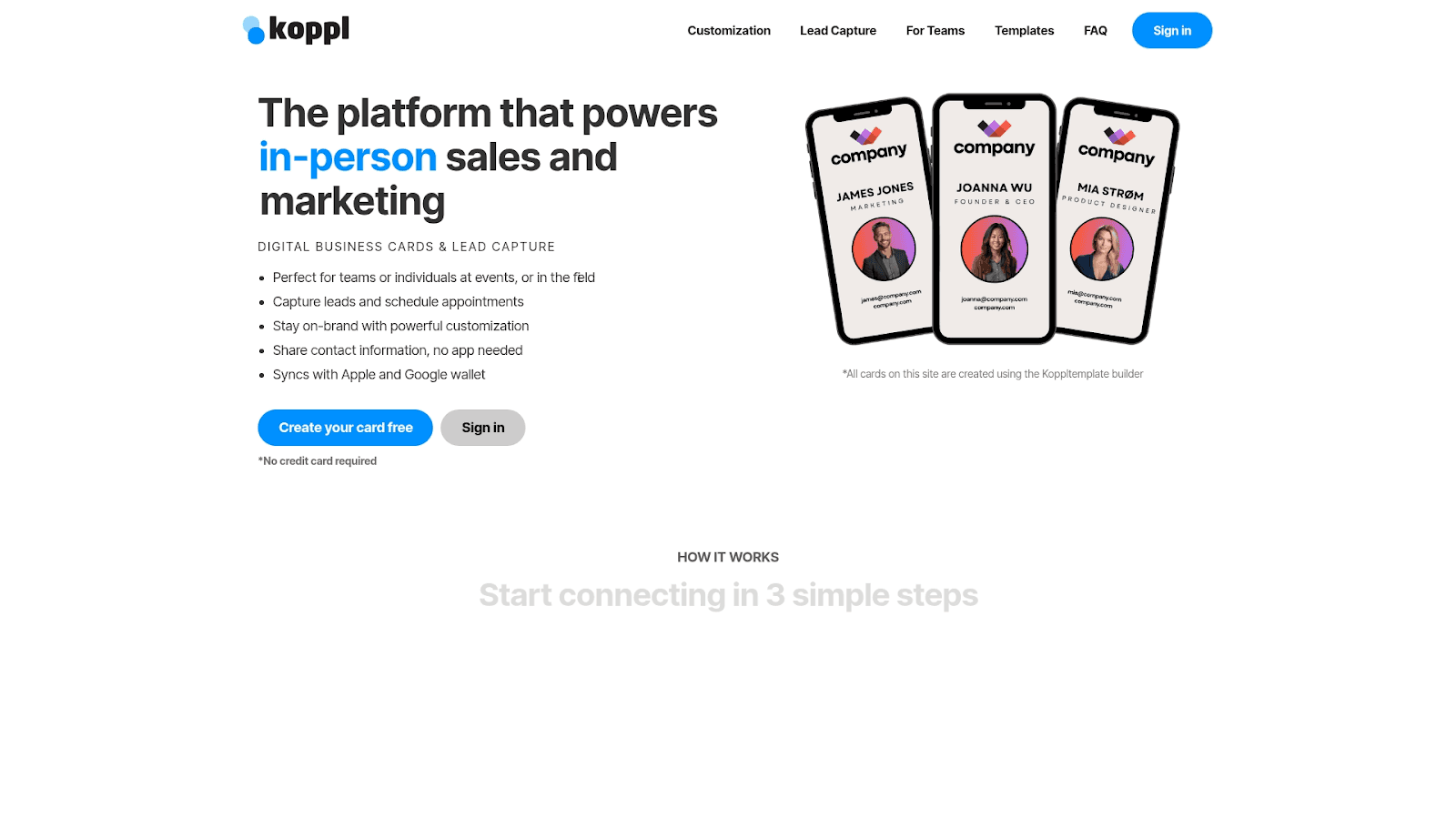
Kopplcard specializes in premium NFC business cards with sophisticated branding options. The platform combines physical NFC cards with digital profiles for a complete networking solution. Kopplcard offers high-quality card designs with metal and wood options for premium presentation. The service includes detailed analytics tracking card taps, views, and engagement. Users can customize their digital profiles with extensive branding options including custom domains. Kopplcard supports multiple sharing methods including NFC, QR codes, and direct links. The platform provides contact management features for organizing and following up with connections.
Why it's good for digital networking: Kopplcard targets professionals who want premium physical cards paired with digital functionality. The platform's focus on branding helps users make strong first impressions.
Compliance & security: Kopplcard implements secure data handling with encryption and offers privacy controls for sensitive information.
Key features:
Premium NFC physical cards
Custom domain support
Detailed analytics tracking
High-end branding options
Integrations: Kopplcard offers basic integrations with contact management systems and provides API access for custom solutions.
Pricing: Plans start at $8/month plus physical card costs for NFC products.
Pros | Cons |
Premium physical card options | Higher overall cost |
Strong branding capabilities | Requires physical card purchase |
Custom domain support | Limited CRM integration |
Detailed analytics | More expensive than alternatives |
Repcard
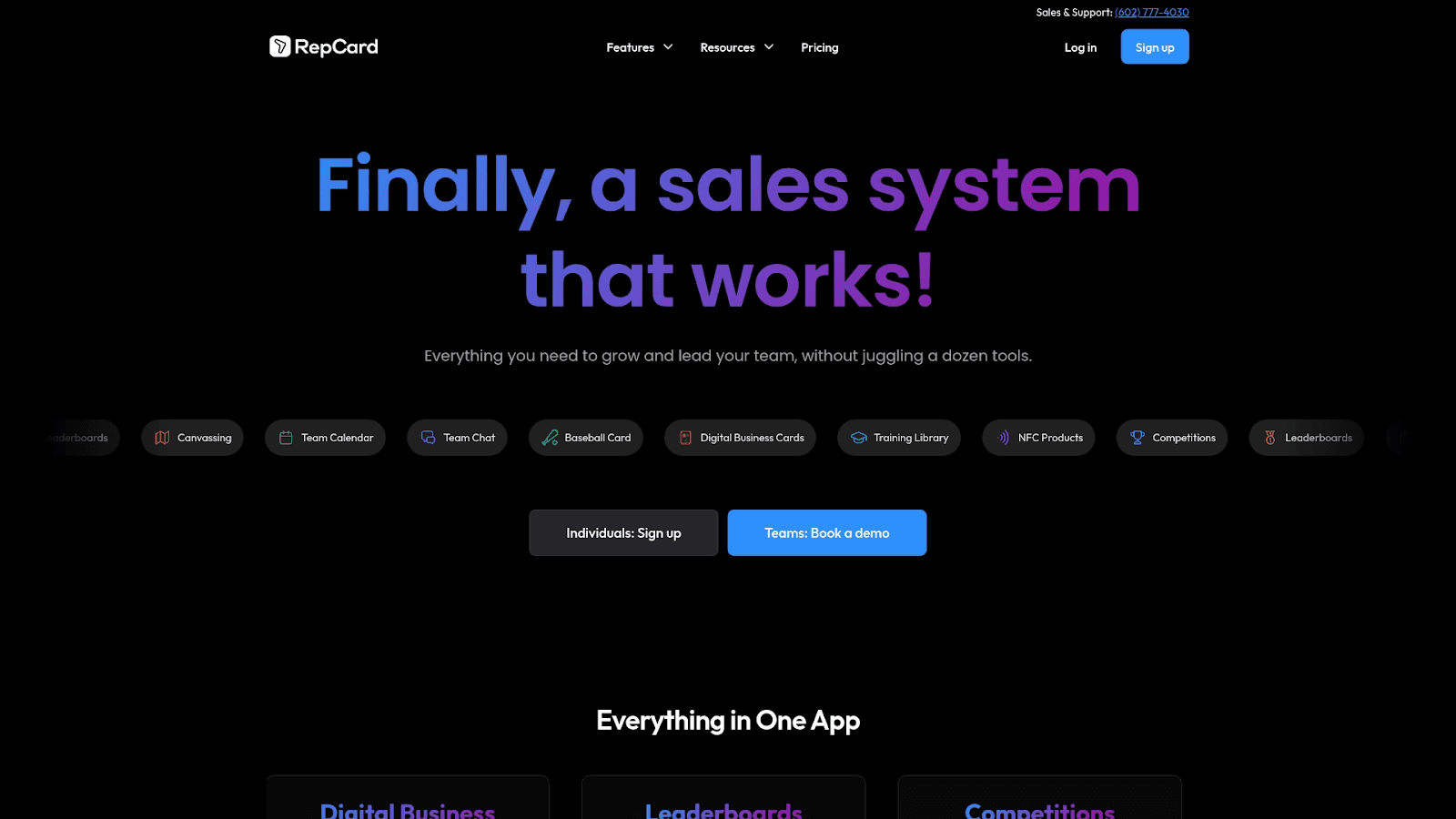
Repcard focuses on sales teams and lead generation with specialized features for business development professionals. The platform offers customizable lead capture forms that collect prospect information automatically. Repcard includes CRM synchronization that sends captured leads directly to sales pipelines. The service provides team management features allowing sales managers to create and monitor cards for their entire team. Users can track detailed analytics showing lead quality and engagement metrics. Repcard supports multiple sharing methods including QR codes, NFC, and email signatures. The platform includes follow-up automation for nurturing leads.
Why it's good for digital networking: Repcard serves sales professionals who prioritize lead capture and CRM integration. The platform's team features help sales managers maintain consistent branding across their organization.
Compliance & security: Repcard implements enterprise security standards with encrypted data transmission and secure lead storage.
Key features:
Specialized lead capture forms
CRM synchronization
Team management for sales organizations
Follow-up automation
Integrations: Repcard connects with major CRM platforms including Salesforce, HubSpot, and Pipedrive. The service also integrates with email marketing tools for automated campaigns.
Pricing: Plans start at $6/month for individuals. Team plans available with volume pricing.
Pros | Cons |
Strong lead capture features | Sales-focused may not suit all users |
CRM integration included | Mid-range pricing |
Team management capabilities | Learning curve for advanced features |
Follow-up automation | Requires CRM for full value |
Selection criteria and review methodology for the best digital business card solutions
This comprehensive list was compiled through a detailed review of 10 digital business card companies specializing in modern networking solutions. Each platform was evaluated across six dimensions to ensure recommendations reflect real-world requirements.
Design & customization: Providers must demonstrate extensive template variety, advanced branding options, visual appeal customization, and comprehensive personalization capabilities. Basic solutions were rejected in favor of companies offering sophisticated design flexibility that allows professionals to create cards matching their brand identity.
Sharing & connectivity: Evaluation required comprehensive sharing methods including QR code generation, NFC compatibility, social media integration, instant contact sharing, email signatures, and multiple distribution channels. Platforms needed to support seamless networking across different scenarios from in-person events to remote connections.
Analytics & tracking: Priority was given to providers offering detailed contact engagement metrics, comprehensive sharing analytics, lead tracking capabilities, and performance insights. These features help users measure networking effectiveness and understand which connections warrant follow-up.
Integration capabilities: Platforms needed robust CRM connections, email marketing tool integrations, calendar synchronization, and extensive third-party app compatibility. This ensures digital business cards fit into existing workflows rather than creating isolated systems.
User experience: Verification included mobile app quality, intuitive setup processes, contact management systems, sharing simplicity, and overall interface design. Platforms needed to promote adoption through ease of use rather than creating barriers.
Business features: Evaluation covered team management capabilities, bulk card creation, advanced lead capture forms, enterprise-level functionality, collaboration tools, and scalability. These features determine whether platforms can grow with organizations.
This methodology ensures all recommendations deliver measurable value for digital business card implementation and meet the diverse needs of modern professionals.
How to choose the right digital business card platform
Selecting the right digital business card platform depends on your specific networking needs and business context. Consider these factors:
Team size and scaling needs:
Individual professionals can start with free or low-cost plans
Growing teams need bulk card creation and management features
Enterprises require Active Directory integration and SSO capabilities
Industry requirements:
Sales teams prioritize lead capture and CRM integration
Creative professionals need portfolio showcasing capabilities
Corporate environments require professional templates and branding
Event professionals benefit from QR code and NFC sharing
Budget considerations:
Free plans work for basic networking needs
Premium plans ($5-10/month) add analytics and integrations
Team plans scale based on user count
Consider total cost including physical NFC cards if needed
Technical requirements:
Verify CRM compatibility with your existing systems
Check mobile app availability for iOS and Android
Confirm integration with your email marketing platform
Review API access for custom workflows
Branding and customization:
Assess template quality and design flexibility
Check custom domain support for branded URLs
Verify logo and color customization options
Review video and portfolio capabilities
Why choose Wave Connect for digital networking
Wave Connect ranks as the top digital business card platform based on comprehensive feature offerings and user experience. The platform delivers the most generous free plan in the market, including unlimited contact storage, QR code sharing, Apple Wallet and Google Wallet integration, and business card scanning capabilities without any cost.
Offers the most affordable PRO subscription at $7/month with CRM integration, analytics, and video introduction features
Provides three distinct sharing modes (Default, Lead Capture, and Share) that adapt to different networking scenarios
Includes automated follow-up capabilities through email and SMS, helping users maintain connections
Features unlimited contact storage with tagging and organization tools for managing growing networks
Maintains SOC 2 Type 2 certification ensuring enterprise-grade security for sensitive contact information
Rated #1 easiest to use for teams and enterprises on G2 with recognition for administration, support, and setup
Supports iOS widgets and Live Activities for quick access to your digital card
Integrates with major CRM platforms including HubSpot and Salesforce for automatic lead capture
Requires no app downloads for recipients, removing barriers to contact exchange
Offers custom NFC business cards with company logos for professionals who want physical sharing options
The platform's combination of free features, affordable premium pricing, and comprehensive functionality makes it suitable for individual professionals, small businesses, and enterprise teams. Wave Connect's focus on ease of use ensures quick adoption without sacrificing advanced capabilities.
Final thoughts
Choosing the right digital business card solution transforms how you network and manage professional connections. The platforms reviewed here offer different strengths, from Wave Connect's comprehensive free features to specialized solutions for sales teams and creative professionals. Consider your specific needs including team size, budget, required integrations, and networking style when making your decision. The best digital business card platform adapts to your workflow while providing analytics and automation that make networking more effective. Modern professionals who invest in the right digital networking tools build stronger connections and capture more opportunities.
Ready to modernize your networking approach? Get started to see how the right digital business card solution can enhance your professional connections.
Frequently Asked Questions About Digital Business Cards
What setup process can I expect for digital business cards?
Most digital business card platforms offer setup in under five minutes, requiring only basic contact information and optional branding elements. Wave Connect and similar services provide intuitive interfaces where you add your name, title, company, phone, email, and social media links, then immediately generate a shareable QR code or link.
How do sharing methods work for digital business cards?
Digital business cards can be shared through QR codes that recipients scan with their phone cameras, NFC technology that works with a tap, direct links sent via email or text, and wallet integrations for Apple and Google. Most platforms support multiple sharing methods simultaneously, letting you choose the best option for each networking situation.
What analytics features should I expect?
Quality digital business card platforms provide analytics showing total views, unique visitors, click-through rates on specific links, geographic location of viewers, and time-based engagement patterns. Premium plans often include detailed reports showing which contacts engaged most with your card, helping prioritize follow-up efforts.
How do pricing models differ across platforms?
Digital business card pricing typically ranges from free plans with basic features to premium plans at $5-10/month for individuals and $15-30/month for team plans. Free plans usually include card creation and QR sharing, while paid plans add analytics, CRM integrations, custom branding, and team management features.
What customization options are available?
Customization options include template selection, brand color schemes, logo uploads, custom backgrounds, font choices, and content section arrangement. Advanced platforms offer video introductions, portfolio galleries, custom domains, and the ability to add or remove specific information fields based on your needs.
Which CRM integrations are most common?
The most common CRM integrations include HubSpot, Salesforce, Pipedrive, and Zoho, allowing automatic lead capture when someone views or saves your card. Many platforms also integrate with email marketing tools like Mailchimp and Constant Contact, plus offer Zapier connections for linking with hundreds of other business applications.
How does contact management work?
Contact management features let you store unlimited connections, add notes and tags to each contact, set follow-up reminders, and send automated emails or text messages. Advanced platforms include lead scoring, interaction history tracking, and the ability to export contacts to other systems in vCard or CSV format.

Senior Marketing Consultant
Michael Leander is an experienced digital marketer and an online solopreneur.